EVERY KILOMETRE, ALL YOURS.
Pick one run that matters to you. We turn its heart rate, kilometre splits and route into an exhibition-style halftone art print, delivered as a print-ready A3 file you can print anywhere.
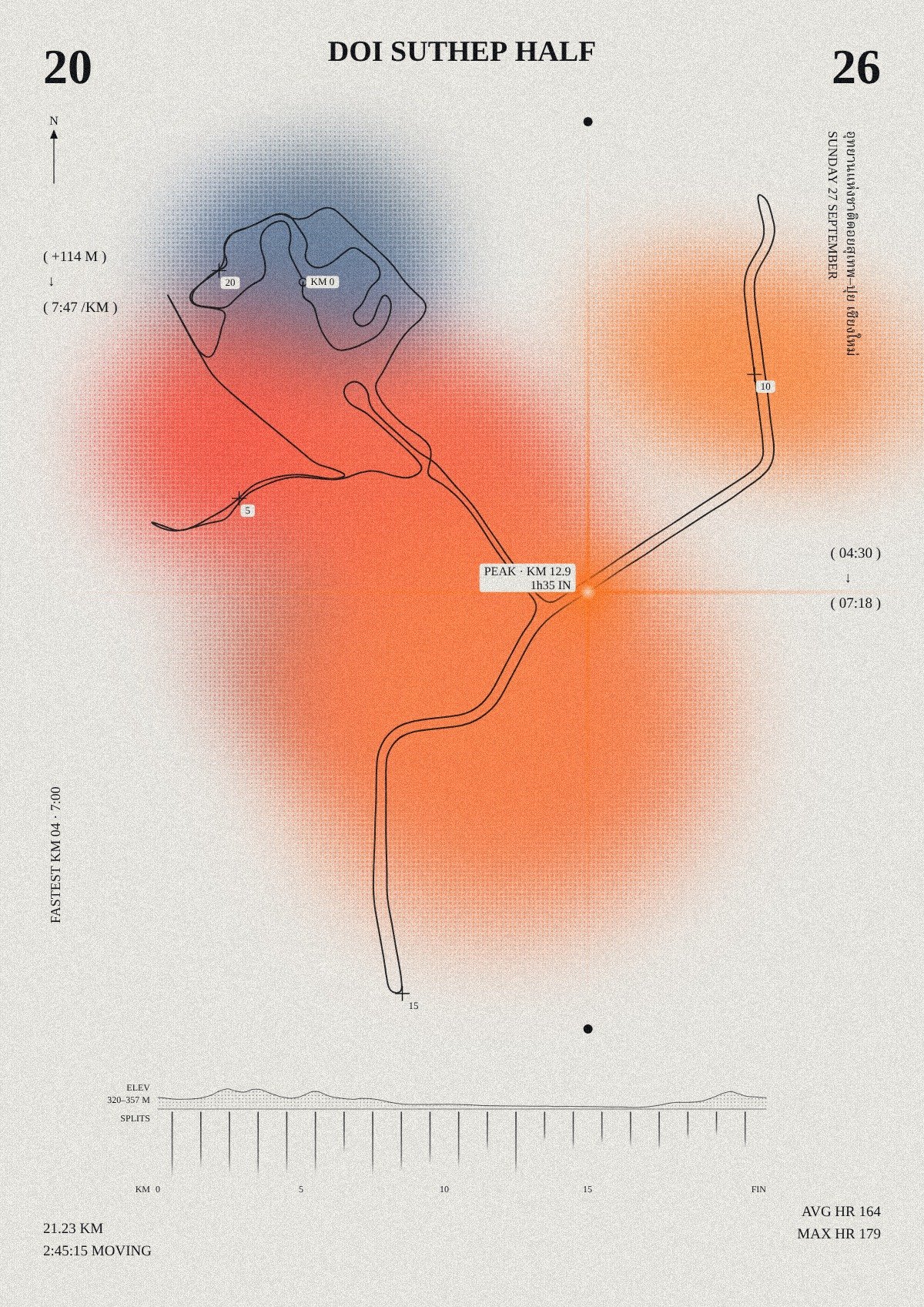
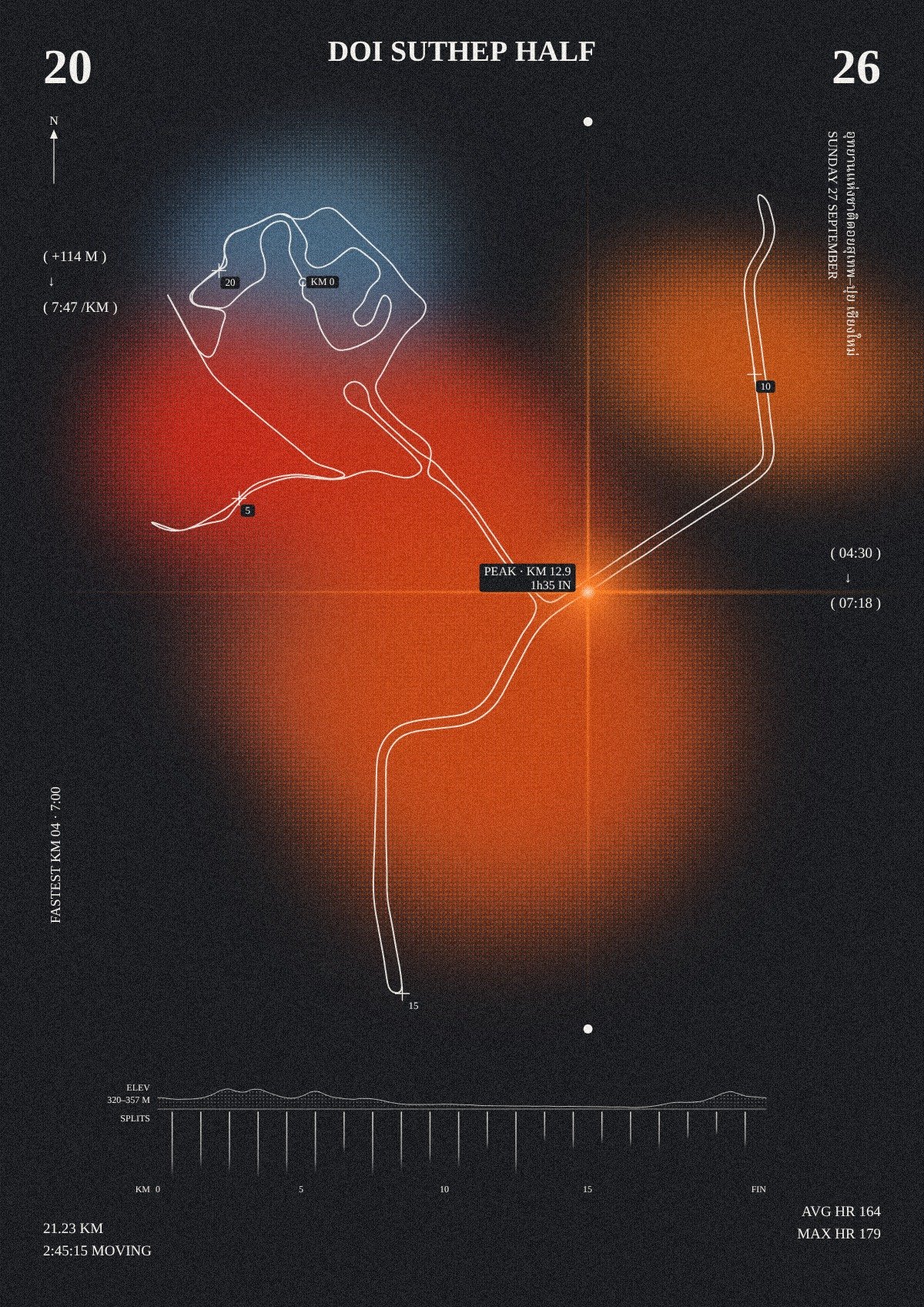
YOUR RUN, DRAWN FROM ITS OWN DATA
No templates. Every mark on the poster comes from your file, so no two runs look the same.
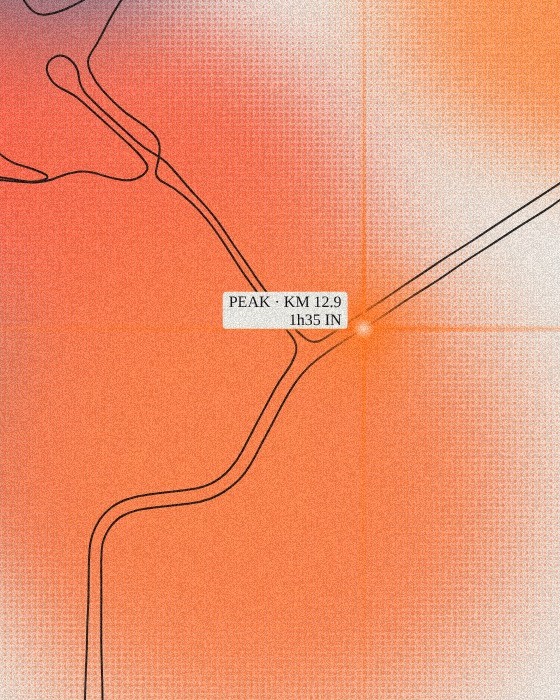
COLOUR BLOBS
Each stretch of your run, placed where it happened, shaded by its average heart rate. No heart-rate data? Pace sets the colour instead.
CROSSHAIR FLARE
The moment your heart rate peaked. The label shows which km and how long into the run.
NORTH ARROW
Every route is drawn north-up, like a map.
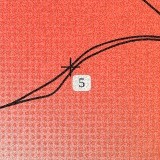
+ EVERY 5 KM
Small marks along the route at each 5 km point.
ELEVATION PROFILE (TOP)
A halftone silhouette of your height along the route. Climbs and descents show as they were.
KILOMETRE BAND (BELOW)
One line per kilometre, start to finish. A longer line means a faster kilometre.

THREE STEPS, ONE FILE
-
01
ADD YOUR GPX AND PLAY
Add your GPX file and watch your poster draw itself in your browser. Change the title, side text, tone and type until it feels right.
-
02
ORDER AND PAY
Add your email, then pay US$14 by card. Your preview is the proof, so check it before you pay. Living in Thailand? Choose the printed A3 poster + digital file instead: ฿590, free delivery, paid by PromptPay.
-
03
GET YOUR FILES
Within 3 working days of payment: a print-ready CMYK PDF and a PNG for sharing, without the watermark, sent to your email. A printed poster arrives within 7 days of payment confirmation.
YOUR WORDS, YOUR COLOURS
- Poster titleup to 28 characters
- Side text and left lineup to 48 characters each
- Colour tonelight or dark
- Typefaceserif or sans
- Elevation profile and GPS coordinatesshow or hide
Colours on screen and on paper are never exactly the same, especially bright orange and blue on matte paper. For the most accurate colour, ask your print shop for one test print first.
ONE RUN, ONE A3 FILE
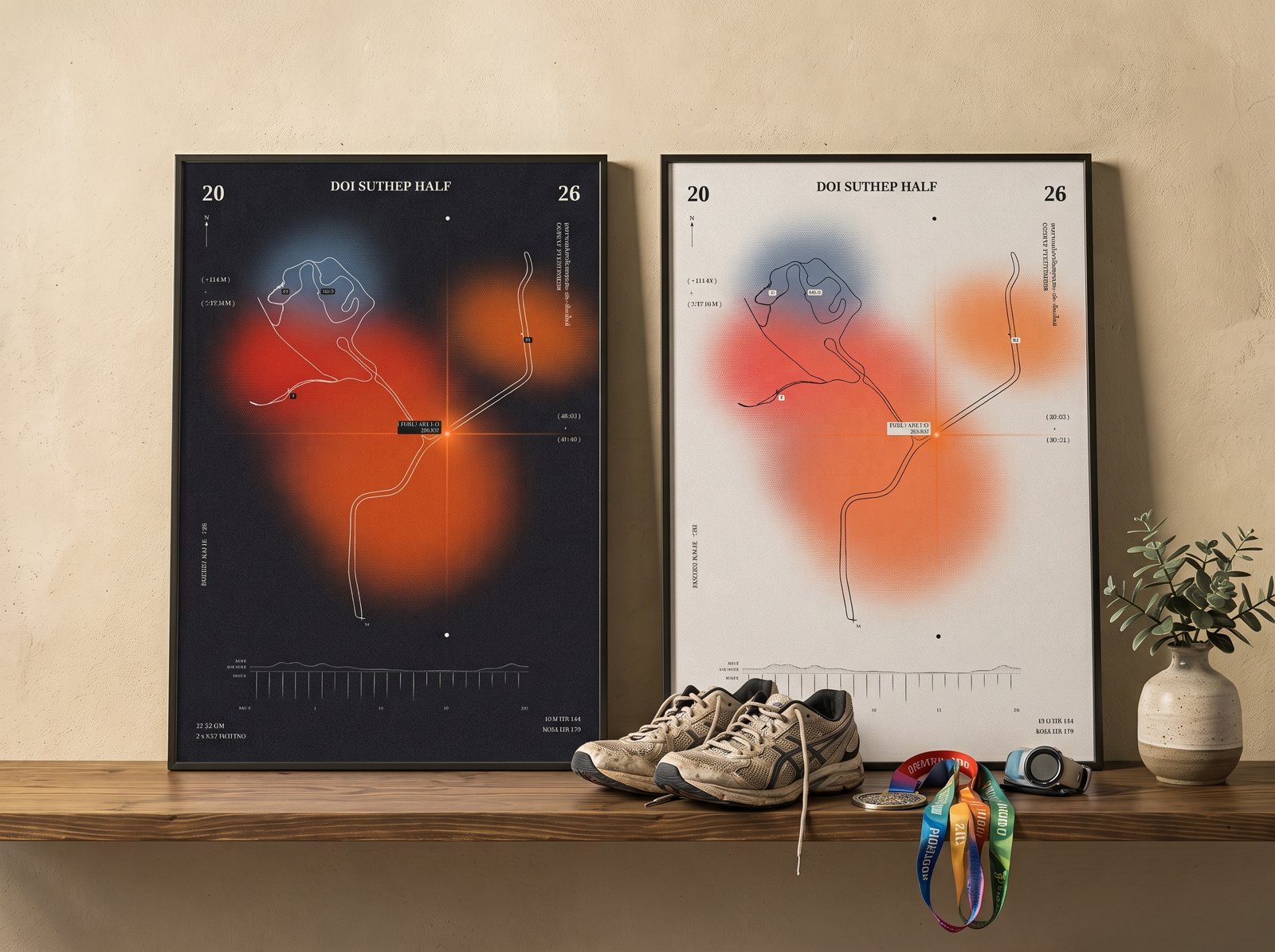
Print it at any print shop or online printer. Ask for A3 on matte paper, 230 gsm or heavier, at 100% scale. Send the PDF to the printer; the PNG is for screens.
STRAVA
Open strava.com in a browser (the app can't export) → your activity → ⋯ menu → Export GPX.
GARMIN
Open connect.garmin.com in a browser → your activity → gear icon → Export to GPX.
GPX only. TCX and FIT files are not supported.
- Print-ready CMYK PDF, A3 (29.7 × 42 cm) at 288 dpi
- PNG for screens and sharing, no watermark
- Live preview before you pay: what you see is what you get
- Delivered by email within 3 working days of payment
- Digital download only: nothing is shipped, no frame
- A3 on 240 gsm matte art paper, no frame, rolled in a tube and delivered to your door.
- Arrives within 7 days of payment confirmation.
- Includes the same PDF and PNG files by email
- Thailand addresses only. Living outside Thailand? Choose the digital file.
Your file includes your heart rate, which is health data. For the preview it is read in your browser only; it reaches us when you order. When you tick the consent box, you agree that we use it only to make your poster. We don't share your file with anyone. We delete your file 7 days after delivery, or sooner if you ask. For a printed poster, we use your address and phone only to deliver it, and delete them 7 days after it arrives. Read the privacy notice.
QUESTIONS
MY RUN HAS NO HEART-RATE DATA. CAN I STILL ORDER?
Yes. Without heart rate, your pace sets the colours.
DO GPS COORDINATES APPEAR ON THE POSTER?
Not unless you ask. They are hidden by default and used only to draw the route.
MY APP SHOWS DIFFERENT NUMBERS. WHAT DO I DO?
Numbers read from a GPX file can differ slightly from your app. Every number on the poster has its own box in the order form, filled in from your file. Change any of them and the preview updates to match.
CAN I GET ANOTHER SIZE?
The file is A3. All A-sizes share the same proportion, so you can print it at A4 or A2, but the fine lines and small type are designed for A3.
CAN I CHANGE IT AFTER I PAY?
No. You design it yourself in the live preview, and we make your file exactly as shown. Check the spelling, date and numbers before you pay.
HOW LONG DOES IT TAKE?
Your files arrive within 3 working days of payment. A printed poster arrives within 7 days of payment confirmation. Need it by a date? Just note it in the Additional info field when you order.
CAN YOU PRINT AND DELIVER IT?
Yes, in Thailand. Choose the printed A3 poster + digital file: ฿590 with free delivery, paid by PromptPay. Thailand addresses only. Living outside Thailand? Choose the digital file.
DOES THE PRINTED POSTER COME FRAMED?
No frame. A3 on 240 gsm matte art paper, rolled in a tube and delivered to your door.
HOW DO I FLATTEN THE ROLLED POSTER?
Unroll it and lay it face-down under a few books for 24 hours, or frame it straight away.
WILL THE PRINTED COLOURS MATCH MY SCREEN?
Colours on matte paper look slightly softer than on screen.